Compress your PDFs privately. Free, open source, and right on your computer. Reduce file sizes in a few clicks while keeping your original documents safe.PDFTrimly
Your documents are processed on your computer, never uploaded to a server. PDFTrimly writes a compressed copy and leaves the original file untouched. Keep searchable text and any OCR already present in your documents. Select several PDFs or drop files and folders right into the window. Pick Light, Normal, or Ultra compression to suit each batch. File size reduction depends on the PDF’s content; stronger compression may reduce image quality. Check the space saved and open the folder containing your output files.Less file size. More peace of mind.
Local processing
Originals stay safe
Searchable PDFs
Batch workflow
Choose your balance
See what changed
A simple desktop workflow.
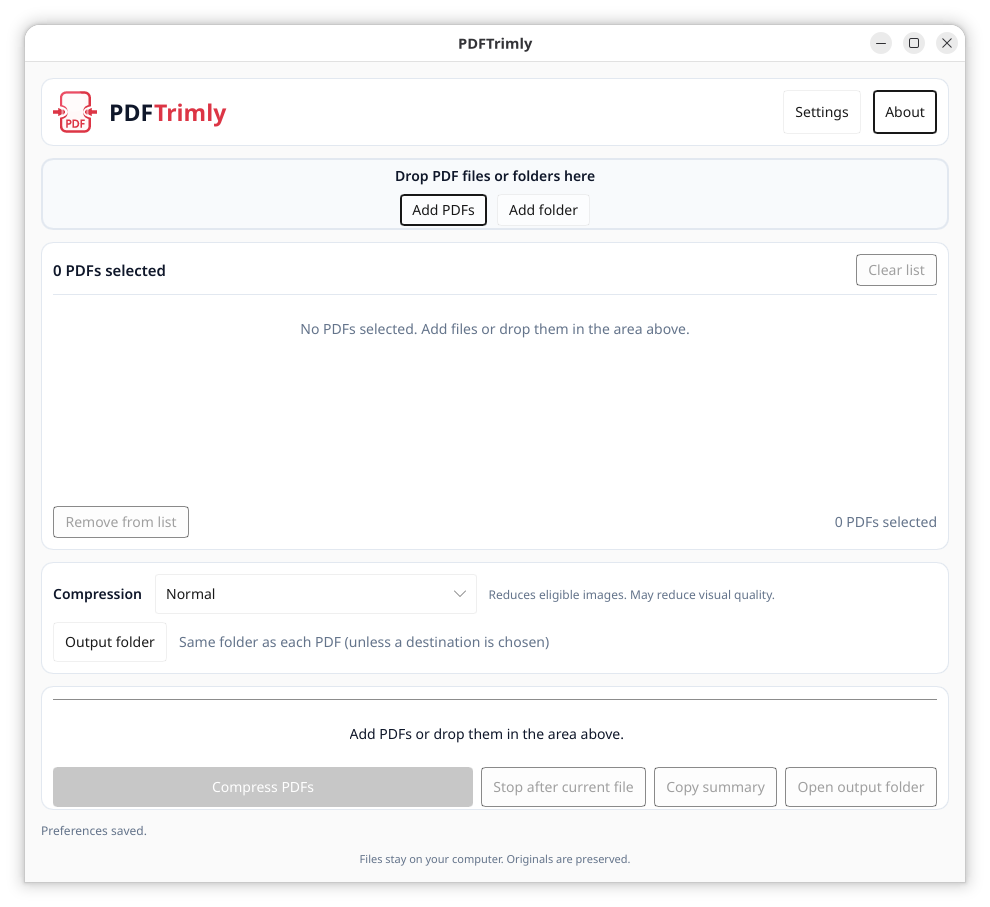
Ready in four steps.
Download for free on Linux, with AppImage and DEB packages.Take PDFTrimly for a spin.